The latest release of EspoCRM software, version 10.0.0, introduces a game-changing feature: Pipelines. This enhancement enables businesses to manage their sales and lead processes more effectively by customizing pipelines for different product lines, customer types, or sales strategies.
How to Set Up and Optimize Multiple Pipelines
Enabling and configuring pipelines in EspoCRM v10.0.0 is straightforward, yet powerful in its ability to tailor your sales process. Here’s a comprehensive guide to help you get started:
Step 1: Enable Pipelines for Relevant Entities
- Navigate to Administration > Entity Manager.
- Select the entity type (Leads, Opportunities, or custom entities) you wish to manage with pipelines.
- Ensure the entity has a specified Status field from the available Enum fields.
Step 2: Create and Manage Pipelines
- Go to Administration > Pipelines.
- Create a new pipeline, giving it a unique name and defining its scope.
- Add stages to the pipeline, mapping each to a specific value of the Status field.
- Define whether the pipeline is available for all users or specific teams.
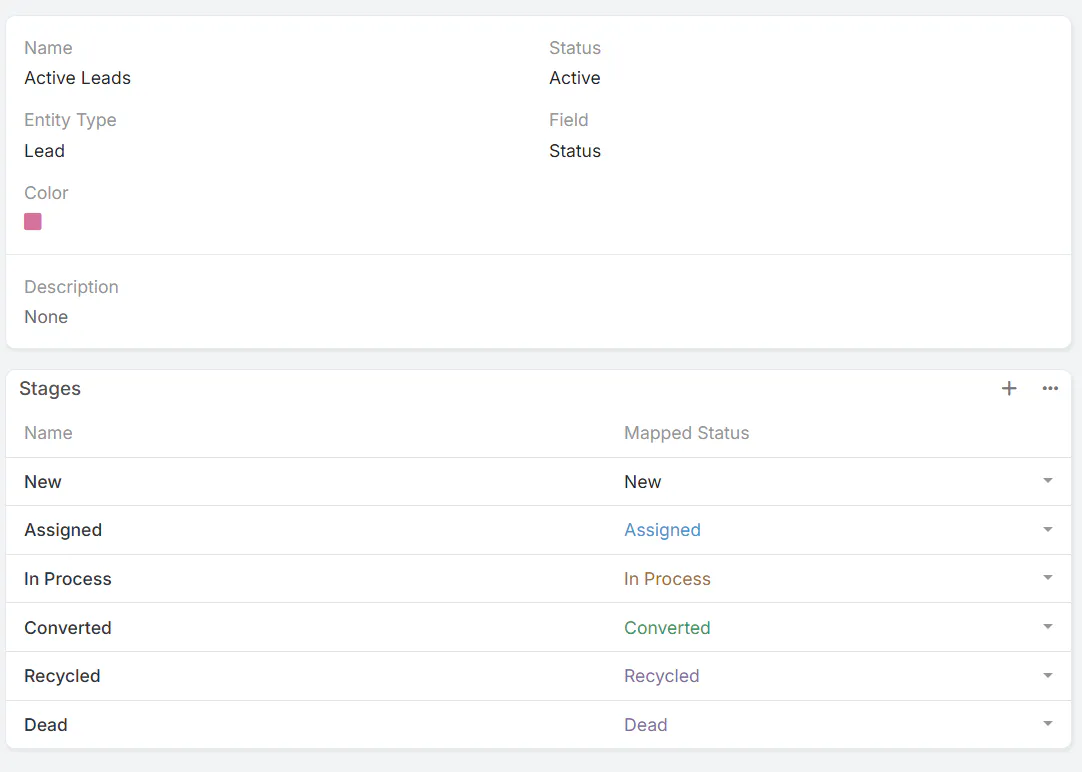
Step 3: Use and Customize Pipelines for Enhanced Workflow
- Assign each record to a pipeline; this dictates which stages are available for that record.
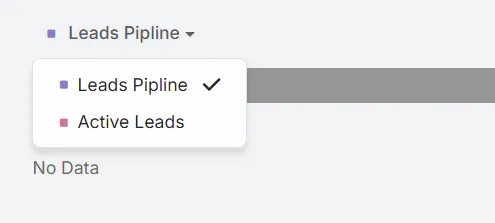
- Switch between pipelines via the dropdown in the Kanban view to manage different sales paths.
- Reorder stages within a pipeline to reflect your sales process flow.
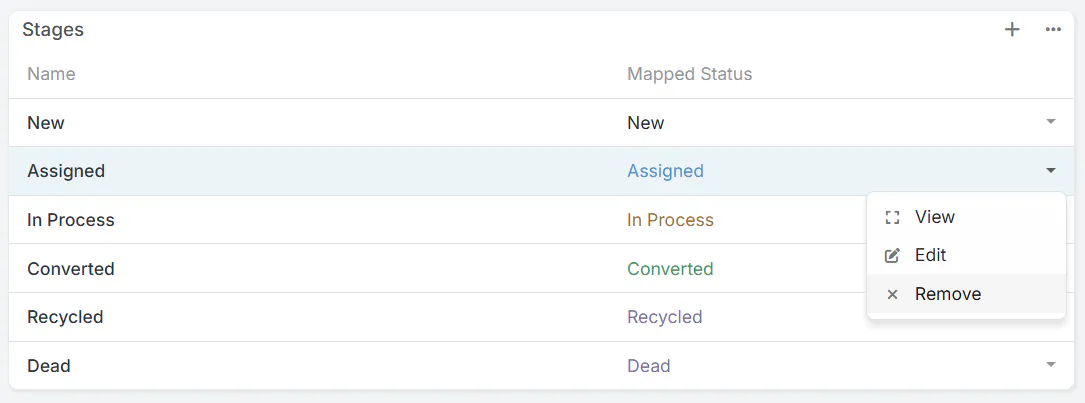
Best Practices for Using Multiple Pipelines
- Segment by Product or Customer Type: Use separate pipelines for different product lines or customer segments, allowing tailored sales strategies.
- Leverage the Kanban View: Visualize progress and quickly switch between pipelines for real-time management.
- Automate with Lead Capture: Assign new leads directly to specific pipelines to streamline onboarding and follow-up.
- Regularly Review and Reorder Stages: Keep your pipeline stages relevant and aligned with your evolving sales process.
Implementing multiple pipelines in your CRM enhances flexibility, improves sales tracking, and allows for a more customized approach to customer management. By leveraging this new feature, your team can better adapt to different sales methodologies and boost overall efficiency.
Stay ahead by exploring additional customization options and integrating pipelines into your broader EspoCRM strategy for maximum impact.